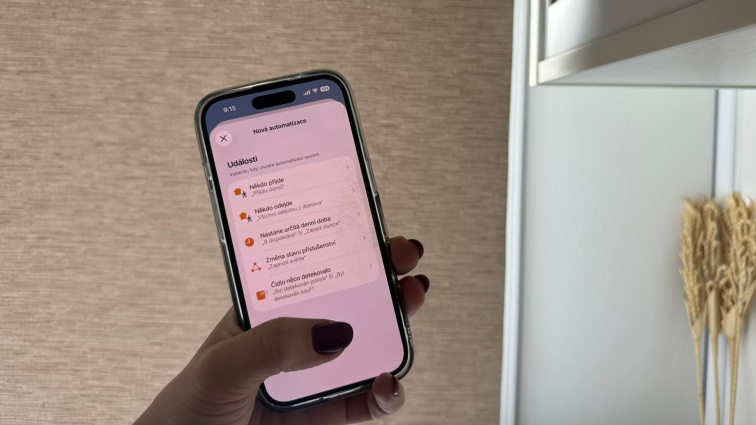
Smart roller blind automation: How to set your blinds to respond to time, sunlight, or your routine
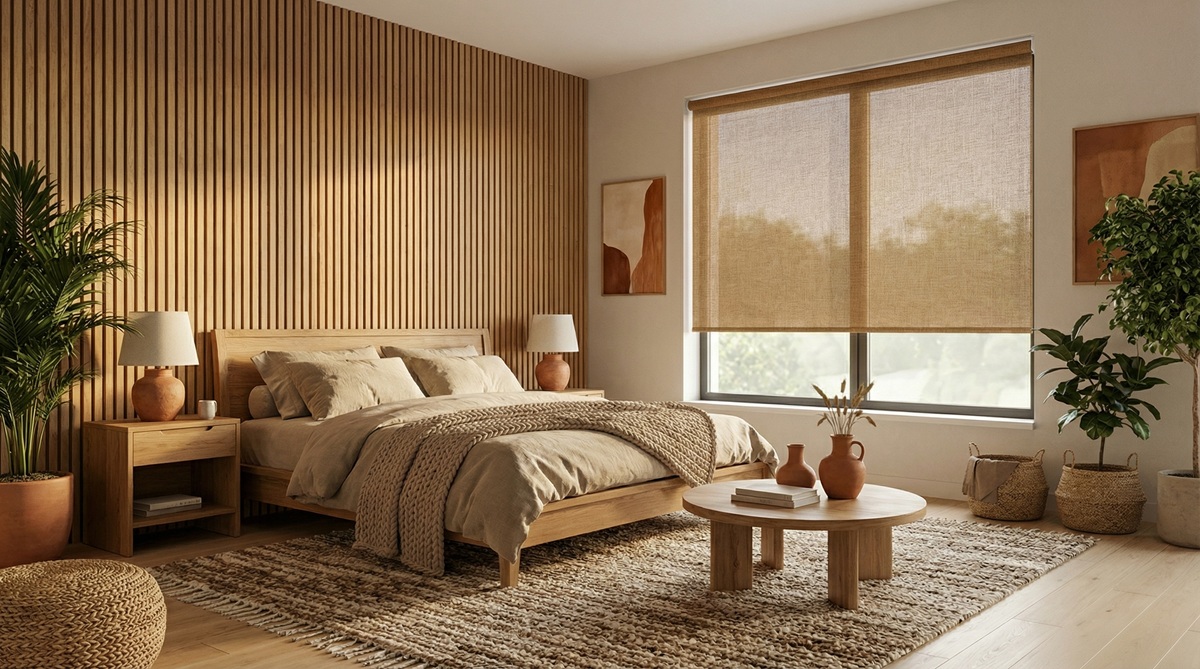
You have smart blinds connected to Apple Home or Google Home and you control them with your mobile or voice. It works well - you open them in the morning, close them in the evening, set them as needed. But you still have to do it yourself. The real value of a smart home becomes apparent when you start using automation. The blinds then move on their own - according to time, sun, or your habits. You don't have to think about anything, it just works. Automation of smart blinds is available and surprisingly simple today. It's not a luxury or complicated technology.
In this article, we'll show you how to set up your blinds to respond to the time of day, sunrise and sunset, your presence at home, or specific scenarios - and how doing so will save you time, energy, and effort.
What does blinds automation mean
Automation means that the blinds move automatically according to pre-set rules. You don't have to control them even through an app - the system takes care of everything for you.
Blinds can respond, for example, to:
- Specific time - they open every morning at 7:00, they close every evening at 20:00
- Sunrise and sunset - they adapt to the actual time of day, which changes throughout the year
- Your presence at home - when you leave, the blinds close, when you return, they open
- Smart home scenarios - part of a morning routine, evening relaxation, or work mode
- Combination of multiple conditions
Automation is set up in the smart home app - for example, Apple Home or Google Home - and you can modify, disable, or delete it at any time. It's not a permanent setting, but a flexible rule that you adapt to your needs.
Automation by time: A simple start
The simplest way to automate is by setting it according to the time of day. You tell the system what time the blinds should open or close - and it does it for you every day. For example:
- In the morning at 7:00, the blinds in the bedroom automatically open - you wake up with natural light instead of an alarm clock
- In the evening at 21:30, the blinds in the living room close - you gain privacy without having to think about closing them
- On weekends at 9:00, the blinds open later - you can sleep in peacefully
Ideal for the bedroom, where the natural light will wake you up in the morning instead of an alarm clock. Or for the living room, where in the evening it ensures privacy at exactly the moment you need it, without having to go around closing the blinds manually.
Automation by sunrise and sunset

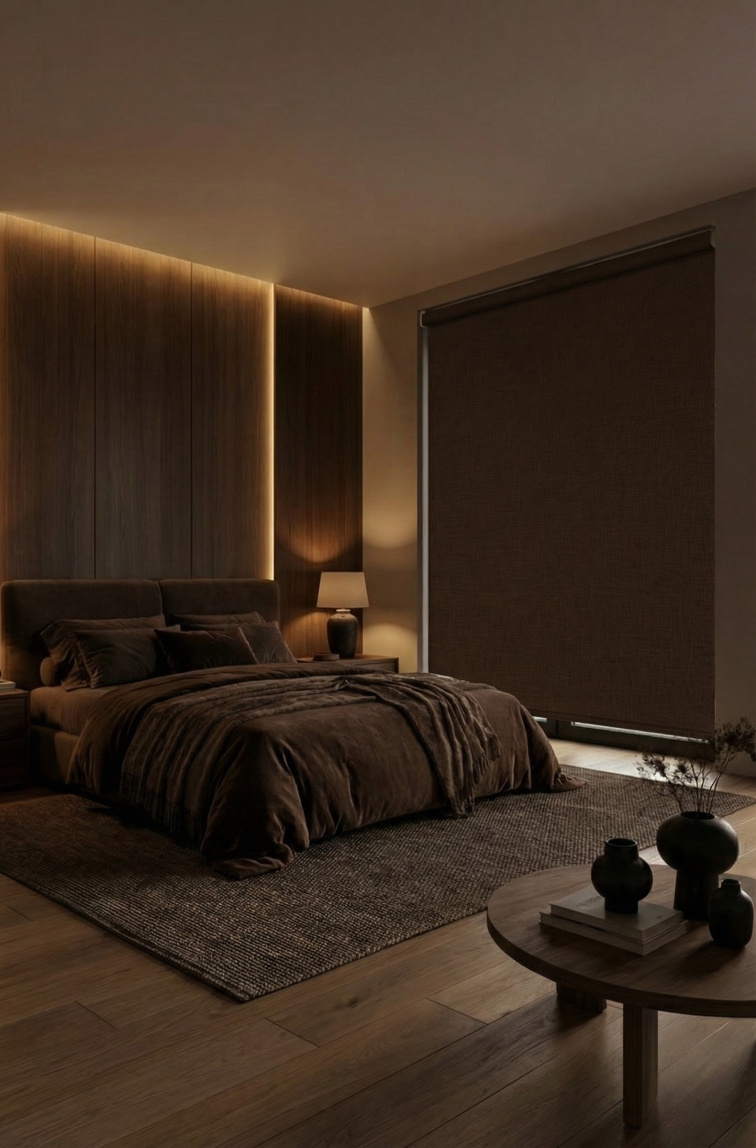
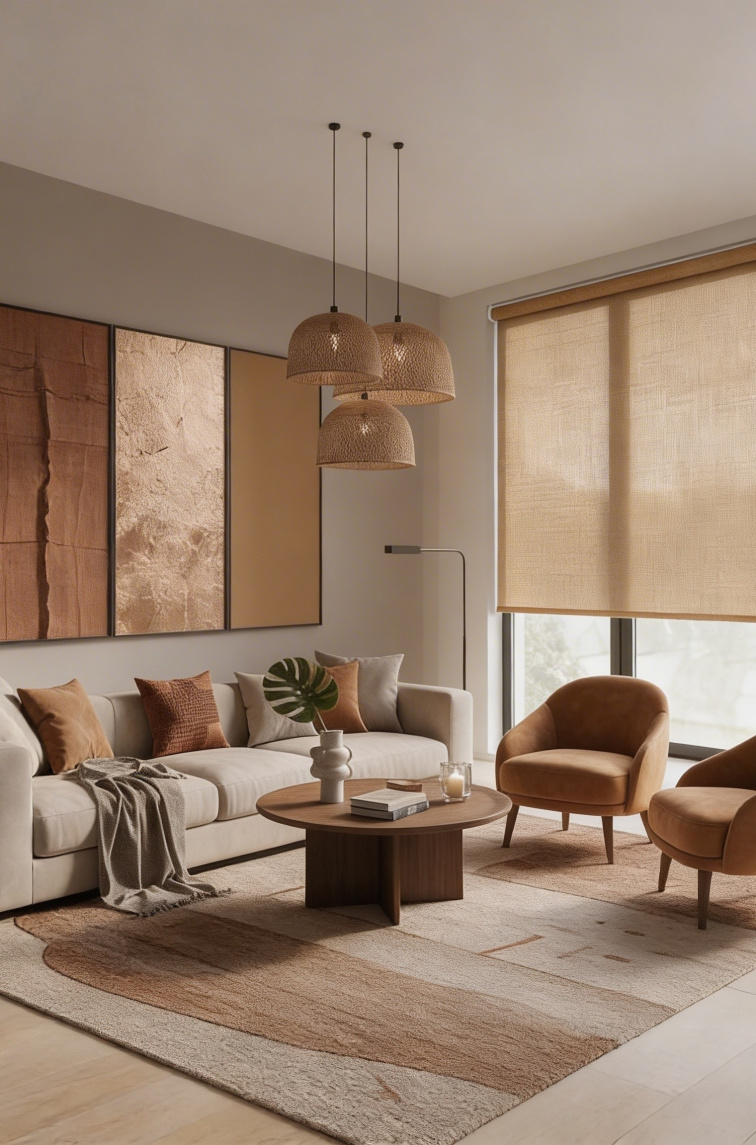
An even more natural solution is automation according to the actual position of the sun. The blinds respond to the sunrise and sunset, which gradually change throughout the year - in summer it is at 21:00, in winter already at 16:00.
This means, for example:
- In summer, the blinds open earlier since the sun rises early
- In winter, they stay closed longer since the sun rises later
- In the evening, the blinds close exactly when it starts to get dark - regardless of the specific hour
You don't have to manually adjust the time according to the season. The system determines your location, calculates the sunrise and sunset for the given day - and the blinds adjust automatically.
Automation according to your schedule
Smart blinds can react to whether you are at home or leaving. The system detects your presence based on the location of your phone or the manual activation of a scene. For example:
- When you leave the house, the blinds automatically close - protection from the sun and prying eyes
- Upon returning home, the blinds open - welcoming you with a bright, pleasant space
- At night, the blinds remain closed for greater privacy and a sense of security
This feature increases not only comfort but also a sense of security. Automated blinds during your absence can deter potential burglars. And when you return home tired from work, you don't have to go around the whole house to open the blinds - the system does it for you.
Automation for protection from sun and heat

Blinds can actively help regulate the temperature in the interior. If you have windows facing south or west, automation can prevent the room from overheating and reduce cooling costs.
- During a hot summer day, the blinds automatically close around noon when the sun is strongest
- In the evening, they open again, allowing the room to cool with fresh air
- In winter, the blinds stay open during the day, letting in the maximum amount of solar heat
Blinds act as passive thermal regulation - reflecting heat out in summer, letting it in during winter.
Combine scenarios for maximum comfort
Automation works best when you connect them into complex scenarios. Instead of isolated rules, you create "routines" that respond to your daily needs. Blinds thus become a natural part of the home's operation - they respond to your habits, support your routine, and make life simpler.
Morning routine
Scenario: Every workday at 7:00, the blinds in the bedroom automatically open, the coffee machine turns on, and the morning news is played from the radio.
Why it works: You wake up to natural light and the smell of coffee. You don't have to turn anything on - the day starts by itself. It's more pleasant than an alarm clock and helps you start the day calmly.
Work mode for home office
Scenario: When you activate the "Working" scene, the blinds in the study set to 60%, the desk lamp turns on, and notifications on the phone are turned off.
Why it works: You have optimal conditions for concentration. The blinds are not fully opened (to avoid glare on the monitor), but not closed either (so you have enough natural light).
Leaving the house
Scenario: When you're leaving, you say "Hey Siri, I'm leaving" - and the blinds automatically close, all lights turn off, and the thermostat is lowered.
Why it works: You don't have to check every room. One command - and the house is ready for your absence. Energy savings, privacy protection, and security.
Evening routine
Scenario: Every evening at 20:00, the blinds in all rooms close, the lights dim, and the thermostat is set to night mode.
Why it works: The evening routine subtly leads you to rest. You don't have to think about closing the blinds or turning off the lights - the system does it for you. And regularity promotes quality sleep.
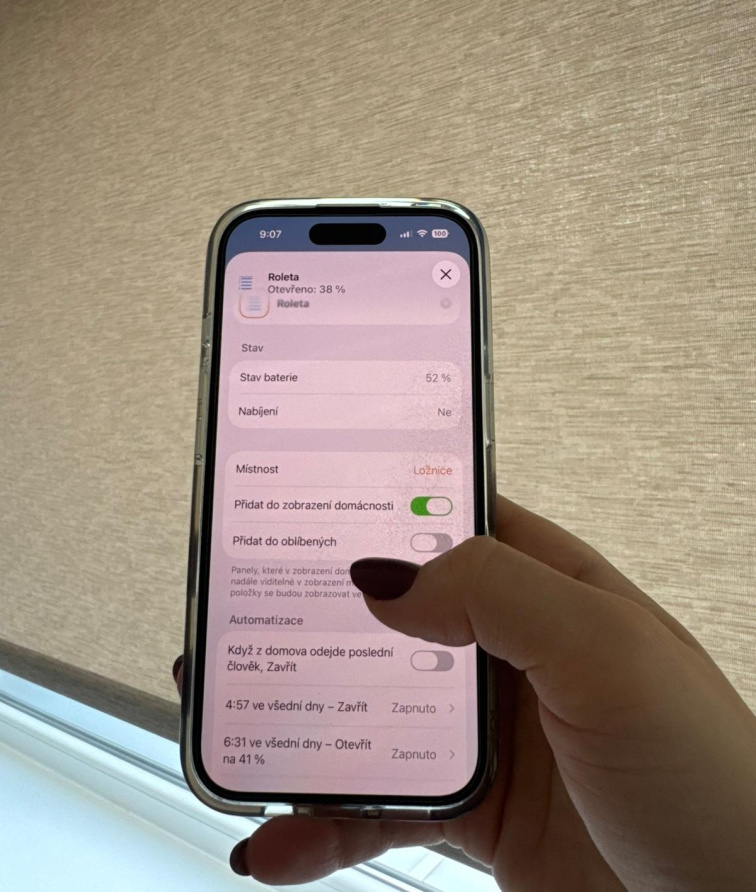
How to set up automation: Basic process
Automations are set in the Google Home or Apple Home app. The principle is similar on both platforms:
- Open the app and navigate to the Automation or Scenes section
- Create a new automation and choose a trigger (time, sunset, presence at home...)
- Add an action - what should happen (open blinds, close blinds, set to a certain percentage)
- Save and test - manually run the automation and check if it works correctly
Conclusion: Automation = true smart home
Smart blinds with voice control are convenient. But automation takes comfort to a whole different level. You don't have to think, you don't have to check - the blinds simply do the right thing at the right time.
Start with simple scenarios (morning opening, evening closing) and gradually add more. Every automation saves you time, energy, and hassle.
👉Haven't connected your smart blinds yet?
Read our article on how to connect blinds to a smart home and control them with voice.
👉Interested in smart blinds with Matter support?
Check out our smart blinds – ready for automations that make your life easier.
FAQ: Smart blinds automation
Which blinds can be automated?
Blinds with a smart motor and support for systems like Apple Home, Google Home, or Matter can be automated. For example, ACCUBLIND smart blinds with Matter support can be easily integrated and automated according to your needs.
Is the automation of smart blinds complicated to set up?
No. If the blinds support the Matter standard or are compatible with Apple Home or Google Home, a few steps in the app are enough. You can modify or disable the automation at any time.
Does automation work without the internet?
Basic automation can work within the home network. However, for remote control or advanced functions, an internet connection and compatible smart home devices are required.
Can smart blinds help with regulating the temperature in a room?
Yes. Automation can close the blinds during hot days to prevent the interior from overheating. This helps maintain a comfortable temperature and can reduce the need for air conditioning.
Can the blinds be set to automatically open in the morning and close in the evening?
Yes. In the smart home app, such as Apple Home or Google Home, you can set automation according to a specific time. The blinds will then automatically open and close every day without manual control.
Can blinds be controlled according to sunset and sunrise?
Yes. Smart blinds can be set to respond to the actual sunrise and sunset in your location. This allows them to automatically adapt to the season and current light conditions.