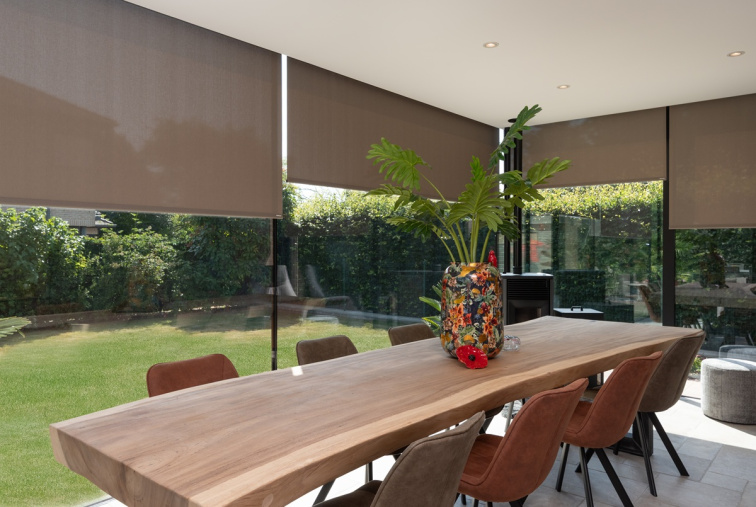
How to connect fabric roller blinds to a smart home and control them by voice

Not so long ago, you had to manually operate blinds or use a remote control. Today, a simple voice command suffices - and the blinds will automatically close or open. Connecting smart blinds with Apple Home, Google Home, or Amazon Alexa allows you to control shading with your voice, mobile phone, or automatically according to your daily routine. However, before this can work, the blinds need to be properly connected. 

In this article, we will show you how to connect smart blinds with Google Home, Apple Home, or Amazon Alexa and how to set up voice commands so that they work precisely according to your needs.

What does connecting blinds to a smart home mean

When you connect blinds to a smart home, they stop being isolated devices and become part of your digital ecosystem. You gain much more flexible control over them:

  • Through a mobile app - from anywhere, not just from home
  • By voice - using Siri, Google Assistant, or Alexa
  • Automatically - according to the time of day, scenarios, or weather
  • In combination with other devices - such as lights or thermostats

The blinds are no longer a standalone element but function as an integrated part of a system that responds to your needs and habits.

Benefits of connecting smart blinds with a smart home

Comfort 

You can control blinds by voice or mobile without having to get up. In the morning, while still in bed, just say "good morning," and the blinds will open by themselves.

Automation

You can set the blinds to open every morning at 7:00 AM and close in the evening at 10:00 PM. Or to react to sunset. The system does it for you.

Security

You can control the blinds while on vacation to simulate presence at home, which deters potential burglars.

Future compatibility

Thanks to open standards like Matter, the blinds will remain compatible with new devices and platforms that will come.

What you need for voice control of blinds

Smart blinds - The motor must support communication with smart home systems.

Voice assistant or hub - Apple HomePod, Apple TV, Google Nest Hub, Amazon Echo, or other devices supporting a voice assistant.

Mobile app - Google Home, Apple Home, or Amazon Alexa, depending on which assistant you use.

Stable home WiFi network - The blinds communicate via your home network, so it is important to have good coverage throughout the house.

ACCUBLIND smart blinds with Matter support are designed to be easily integrated into a smart home. You can control the blinds via the app, voice, and remote control.
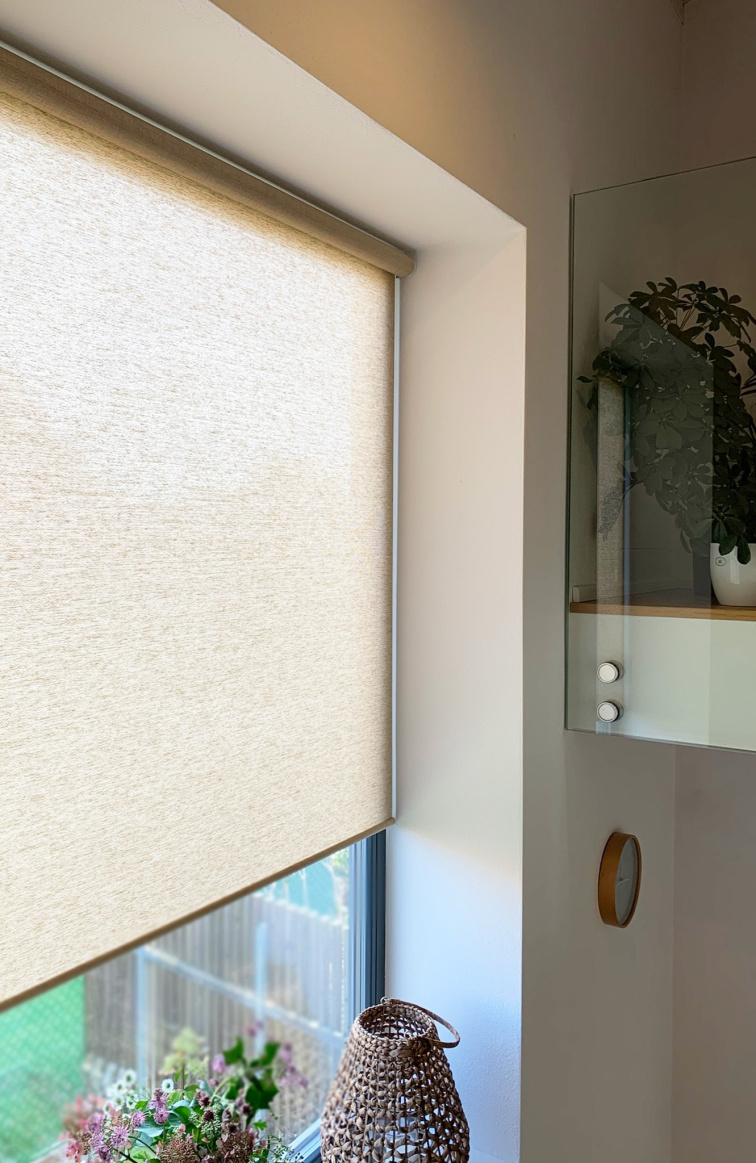
Smart roller blind

How does the connection with Apple Home, Google Home, and Amazon Alexa work

Google Home is one of the most used smart home platforms in the Czech Republic. Apple Home is the natural choice for Apple ecosystem users. Amazon Alexa is popular mainly due to affordable Echo speakers and wide compatibility.

The connection process is similar for all platforms:

  1. Install a motor or control unit with Matter support
  2. Open the Apple Home, Google Home, or Amazon Alexa app
  3. Select the option to add a new device
  4. Scan the QR code on the motor or in the manual
  5. The blinds will automatically appear in your smart home system

From that moment, you can control them just like other smart devices - lights, thermostats, or plugs.

Practical tip: If you want to control multiple blinds at once, create a group or assign them to a room. In the app, label all the blinds on the ground floor and group them under the name "Ground Floor". Then just say: "Close the blinds on the ground floor" - and all the blinds on the ground floor will close at once.

How to control blinds with voice

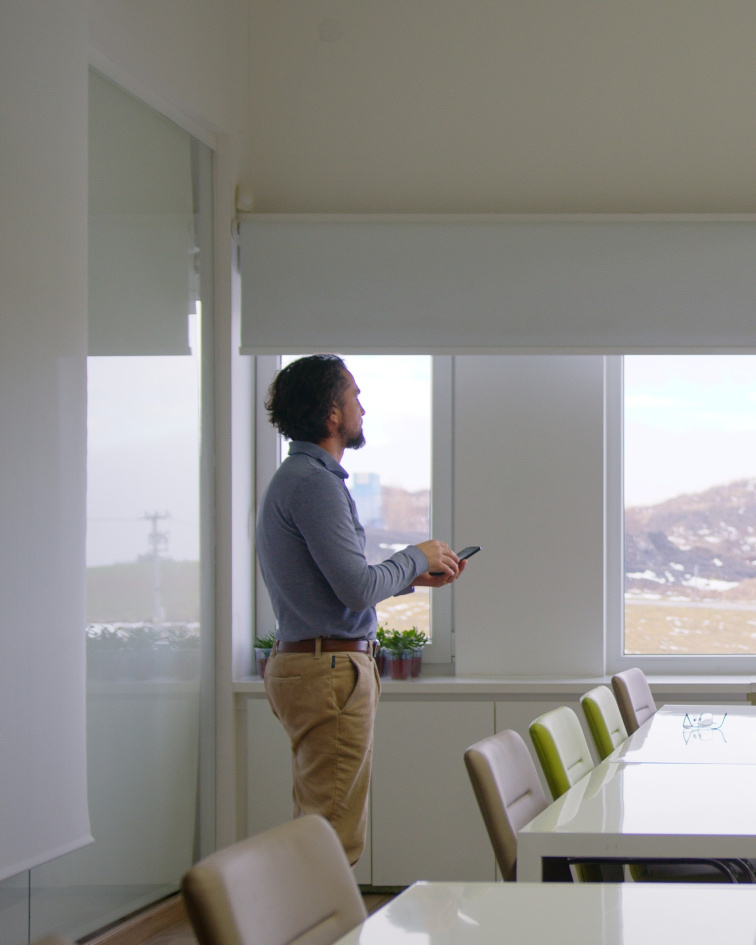
Controlling smart roller blinds with a smartphone

After connecting to a smart home, you can control the blinds with simple voice commands.

Examples of voice commands:

"Ok Google, open the blinds in the bedroom"

"Hey Siri, close all the blinds"

"Hey Siri, open the blind to 30%"

"Alexa, lower the blinds in the study"

Voice control is especially practical when your hands are full, or you don't want to search for the phone or remote.

Practical tips for voice control

1) Naming your blinds

Choose simple and understandable names. Instead of "Blind at the right window in the bedroom," simply use "Bedroom Blind" or "Bedroom". The shorter the name, the easier the control.

If you have multiple blinds in one room, name them logically: "Left Blind," "Right Blind" or "Large Blind," "Small Blind."


2) Creating Scenes

Scenes are voice shortcuts that trigger multiple actions at once. Instead of saying three different commands, you say one.

Examples of useful scenes:

"Good morning" - opens the blinds, turns on the lights, starts the news

"Good night" - closes the blinds, turns off the lights, sets the thermostat

"I'm leaving" - closes the blinds, turns off the lights, activates the security mode


3) Voice Commands with Percentages

If you don't want to fully open or close the blind, you can use percentages:

"Set the blind to 50%" - the blind will be half-open

"Set the blind to 20%" - the blind will slightly open

This is useful, for example, when working on a computer when you don't want complete darkness or glare.

Controlling blinds via mobile phone

Besides voice, you can also control smart blinds through the Apple Home or Google Home app. The mobile app allows you to:

  • Open or close blinds from anywhere - even when you're not at home
  • Check their current status - whether they are open or closed
  • Control multiple blinds at once - with one touch close all blinds in the house
  • Set up automations - the blinds will move by themselves according to your rules

For example, you can pull the blinds remotely when the weather changes. And importantly from a security standpoint, if you're on vacation, you can control the blinds from the other side of the world to simulate being at home.
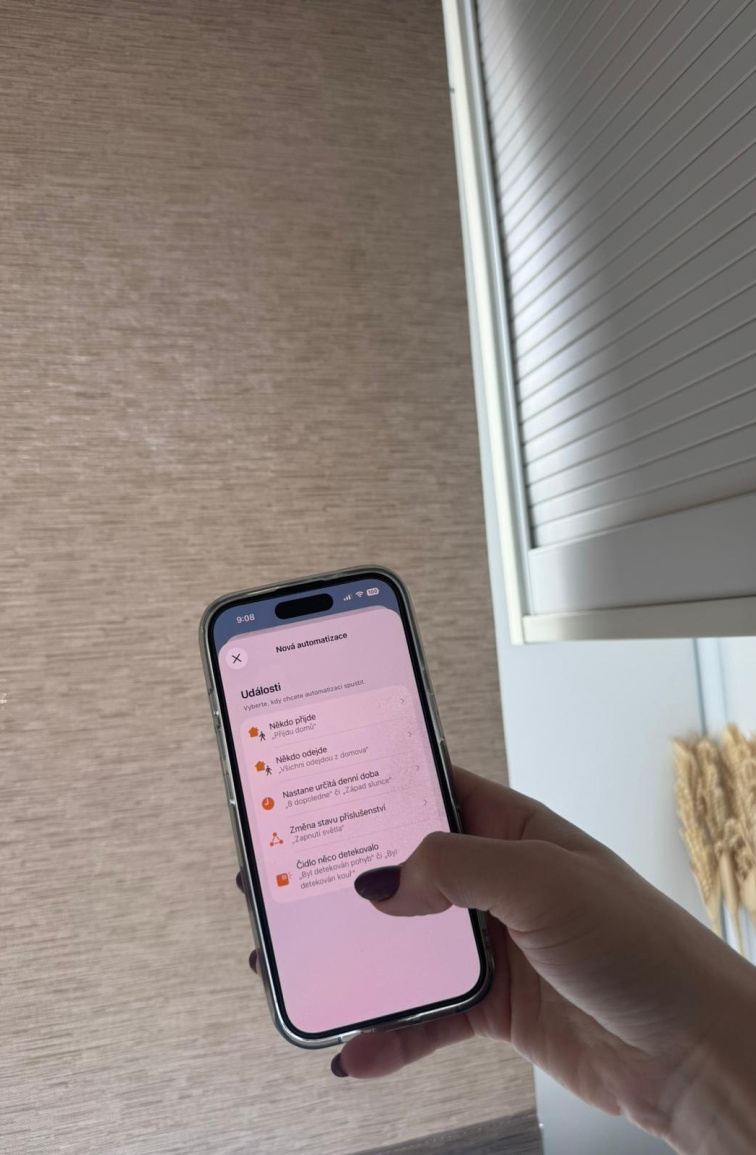
Smart roller blind automation

Next Step: Blind Automation

Now you have connected blinds, and voice control works. But the real advantage of a smart home begins with automations - the blinds move by themselves according to the time of day, weather, or your habits.

Want to know how to get started? Read our next article on smart blind automations, where you'll find specific scenarios that save you time and energy.


Are you interested in smart blinds with Matter support? Check out our smart blinds - ready to connect with Google Home, Apple Home, and Amazon Alexa.

FAQ

Can smart blinds be controlled by voice?

Yes. If the blinds are connected to the Apple Home, Google Home, or Amazon Alexa system, you can control them by voice using simple commands, such as "Hey Siri, close the blinds" or "OK Google, open the blinds in the living room."

How to connect smart blinds to Apple Home or Google Home?

Simply open the Apple Home or Google Home app, select the option to add a new device, and scan the QR code on the motor or controller. The blinds will automatically add to your smart home if they support the Matter standard or another compatible technology.

Do I need special equipment to connect blinds to a smart home?

Yes, you need a compatible smart home device, such as an Apple HomePod, Apple TV, Google Nest Hub, or Amazon Echo. This device connects smart blinds to your system and allows voice control.

Do smart blinds work without the internet?

Yes. The blinds can usually be operated via a remote control or locally within the home network. 

Can I control the blinds even when I am not at home?

Yes. If the blinds are connected to Apple Home or Google Home, you can control them via a mobile app from anywhere. This is useful, for example, when traveling or when you want to simulate presence at home and thus increase security.